
Step up your UX/UI skills
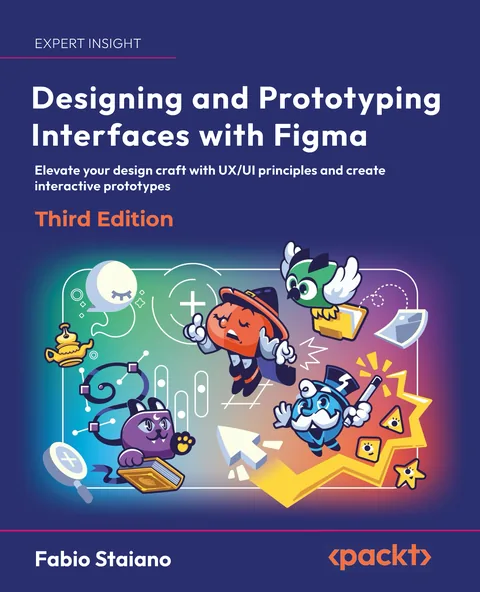
Designing and Prototyping Interfaces with Figma, the hands-on guide by Fabio Staiano. Follow one real project from the first brief to the developer handoff, now updated for the third edition.
- 452 pages
- Paperback & ebook
- ISBN 9781805805892
- In English

From research to product
Start by creating moodboards, personas and user flows
What you'll learn
Fundamentals
Get the essentials: styles, grids & components
Master Figma's core features to keep every screen consistent and your workflow fast.

Mobile-first design
Responsive interfaces made easy
Design flexible layouts with Auto Layout, nesting and constraints, then adapt them to tablet, desktop and the web.

Going advanced
Variables and conditional prototyping
Manage content, states and themes with variables and modes, and build prototypes that branch like the real product.

New in the third edition
AI tools, used with judgment
A practical look at AI plugins and tools as helpers in your workflow, never a replacement for design decisions.

Who it's for
Written for three kinds of readers
New to UX/UI
You want a complete, guided path through the design process, from research to handoff.
Switching to Figma
You come from Sketch, Adobe XD or other tools and want to work the Figma way.
Ready to go further
You already use Figma and want variables, modes and advanced prototyping.
Table of contents
13 chapters, one project
Part 1 · Introduction to Figma and FigJam
- 01Exploring Figma and Transitioning from Other Tools
- 02Structuring Moodboards, Personas, and User Flows within FigJam
- 03Getting to Know Your Design Environment
- 04Wireframing a Mobile-First Experience Using Vector Shapes
Part 2 · Designing Interfaces with Figma
- 05Designing Consistently Using Grids, Colors, and Typography
- 06Creating a Responsive Mobile Interface Using Auto Layout
- 07Building Components and Variants in a Collaborative Workspace
- 08User Interface Design on Tablet, Desktop, and the Web
Part 3 · Prototyping, Testing, and Sharing
- 09Prototyping with Transitions, Smart Animate, and Interactive Components
- 10Testing and Sharing Your Prototype in Browsers and Real Devices
- 11Exporting Assets and Managing the Handover Process
- 12Expanding Your Workflow with Resources, Plugins, Widgets, and AI Tools
- 13Going Advanced with Variables and Conditional Prototyping
- March 20221st editionThe first complete guide, from FigJam to prototyping.
- December 20232nd editionUpdated for Dev Mode and Figma variables.
- January 20263rd editionA new project, the redesigned interface, conditional prototyping and a chapter on AI tools.
Chapter titles from the Packt edition. The book also includes access to the free PDF, code files and a graphic bundle.
Readers
What readers say
As someone who has self-taught and been playing with Figma for around 2 years, there was a lot of knowledge in this book that I had no clue about.
The book's approach is inclusive, catering to UX/UI designers, product managers, and others interested in comprehensive design processes.
This book is a must-read for anyone looking to enhance their design skills and master Figma. Its clear, detailed explanations and practical approach make it an essential tool for creating high-quality, interactive prototypes.

The author
Fabio Staiano
Product designer and educator based in Naples, Italy. He has worked in web and interface design for more than fifteen years and has been teaching since 2016. Today he teaches at the Accademia di Belle Arti di Napoli and ILAS, and trains design teams on interface design, design systems and prototyping.
He is a Figma Community Leader, co-organised Friends of Figma Napoli, and writes Fuori Frame, a newsletter in Italian about proven methods for designing with AI.

Ready to jump in?
Paperback, Kindle and ebook. Pick the store that ships to you.
Questions
Before you buy
Is it for beginners?
Yes. It starts from the basics of the interface and the design process, and goes up to variables and conditional prototyping. If you already use Figma, start from Part 2.
Does it cover the new Figma interface?
Yes. The third edition is written on the redesigned Figma interface (UI3), with new screenshots throughout.
I own the 2nd edition. What changed?
A new end-to-end project, the new interface, a full chapter on variables, modes and conditional prototyping, and a practical chapter on AI plugins and tools.
What do I need to follow along?
A modern browser or the Figma desktop app. The Figma mobile app is optional, and only used in chapter 10 to test on a real device.
Is the book available in Italian?
The book is in English. Fabio writes in Italian on his newsletter, Fuori Frame.